> For the complete documentation index, see [llms.txt](https://docs.polkagate.xyz/polkagate/llms.txt). Markdown versions of documentation pages are available by appending `.md` to page URLs; this page is available as [Markdown](https://docs.polkagate.xyz/polkagate/polkagate-extension-user-guide/staking/claim-rewards.md).
# Claim Rewards
View your staking positions and claim rewards in just a few clicks
When using pool staking, rewards are not claimed automatically—you need to claim them manually. In PolkaGate, this can be done in Extension mode or Fullscreen mode.
{% hint style="info" %}
Don’t forget that claiming rewards requires a small on-chain transaction fee.
{% endhint %}
## Extension mode
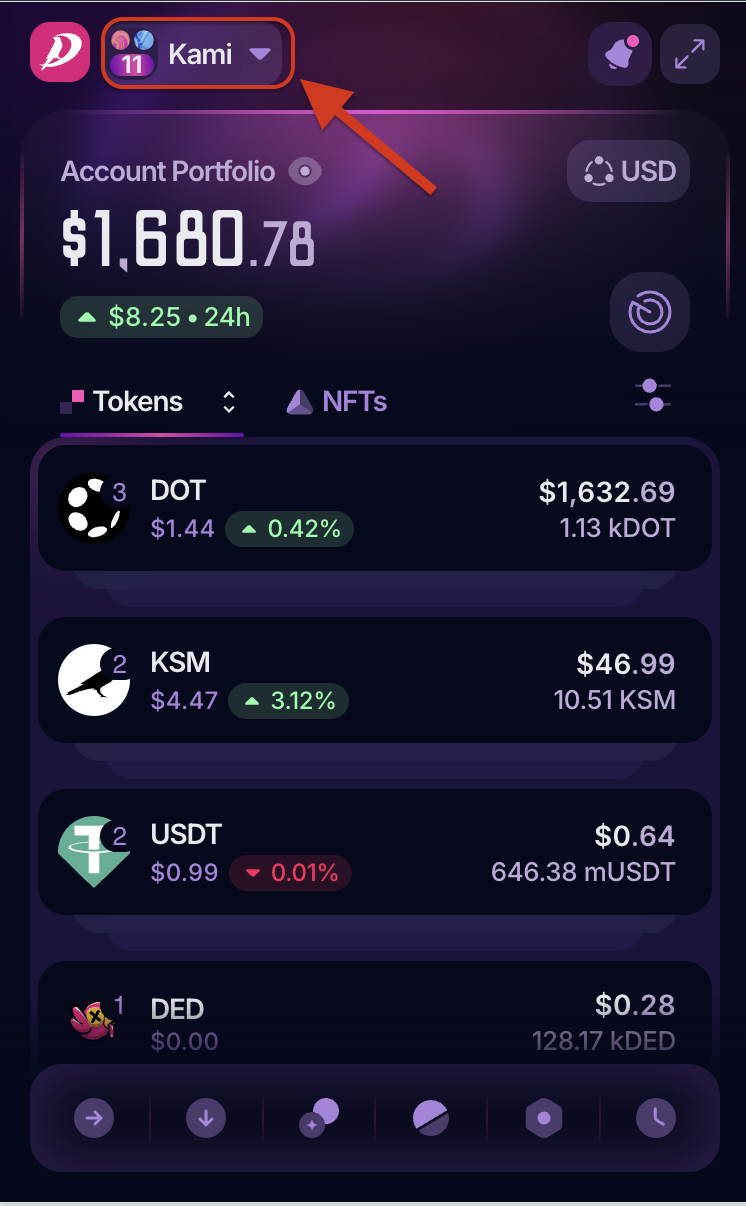
Click the extension icon in the top-right of your browser, and if your staking account isn’t already selected, choose it from the top-left dropdown.
Select account
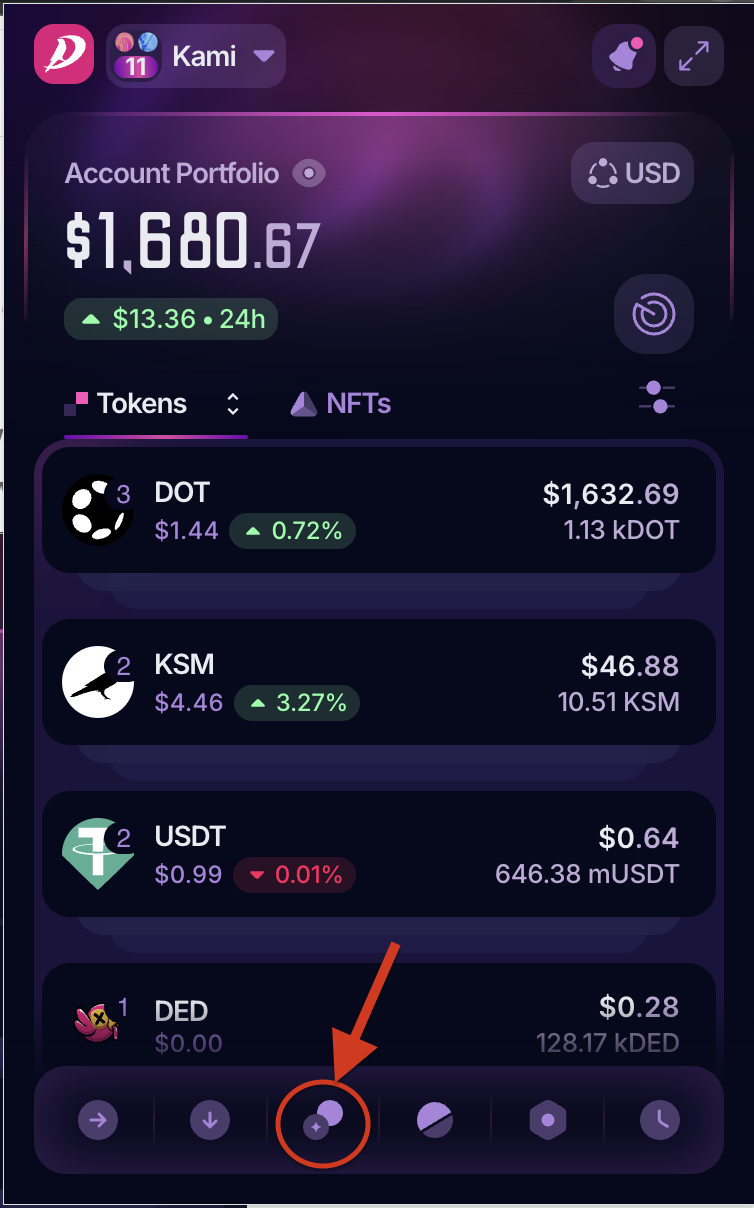
Then, open the Staking menu from the row of icons at the bottom and select your staking position.
Staking menu
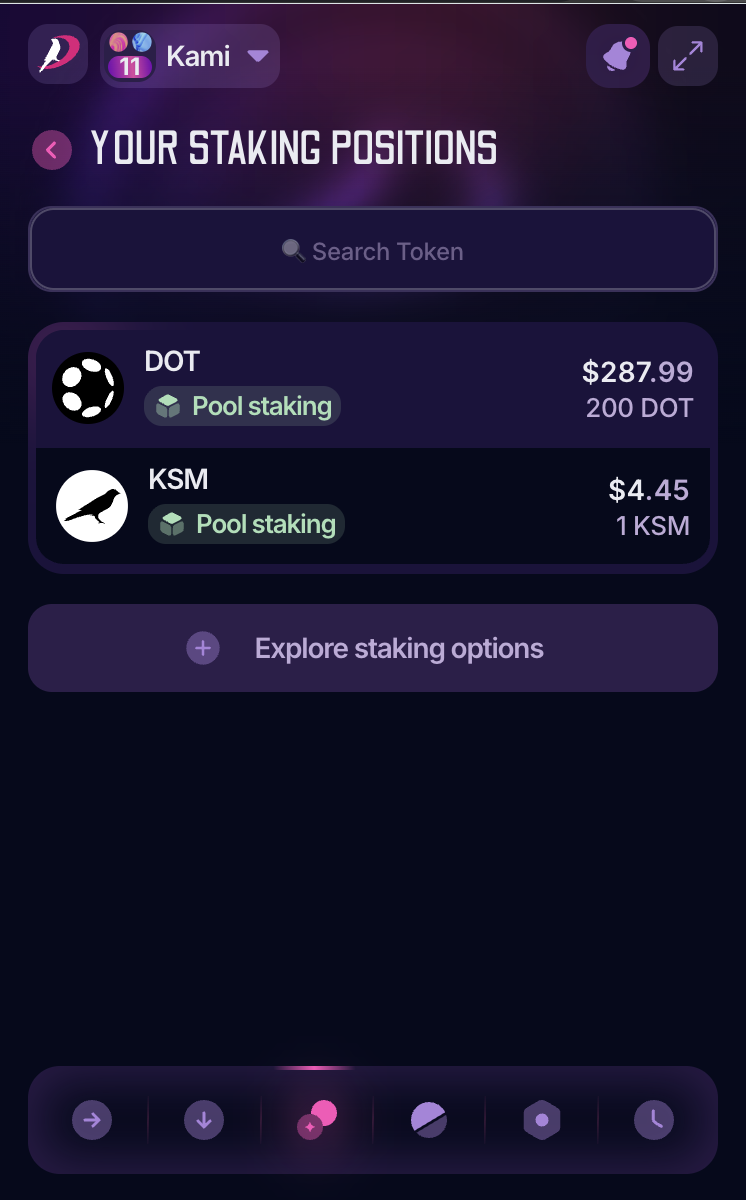
Staking Positions
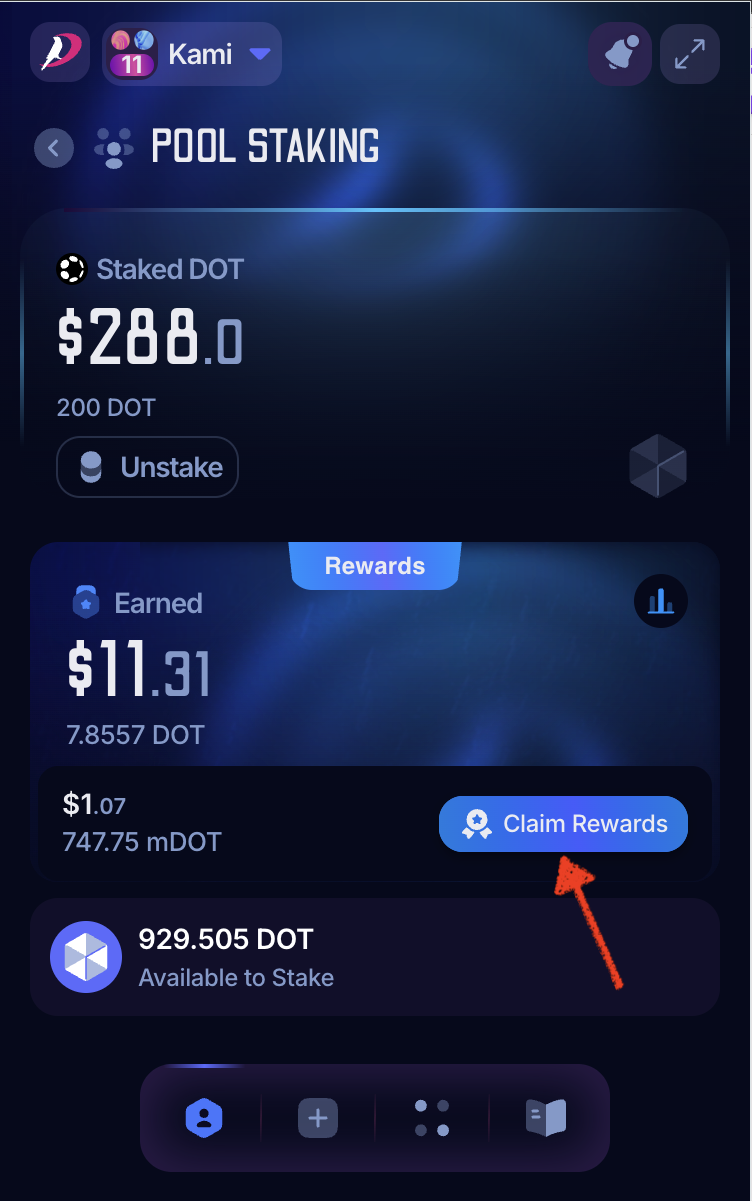
Next, select your staking position to go to the Staking Home. Click the Claim Rewards button and follow the on-screen instructions to approve the transaction.
Claim rewards
## Full-screen mode
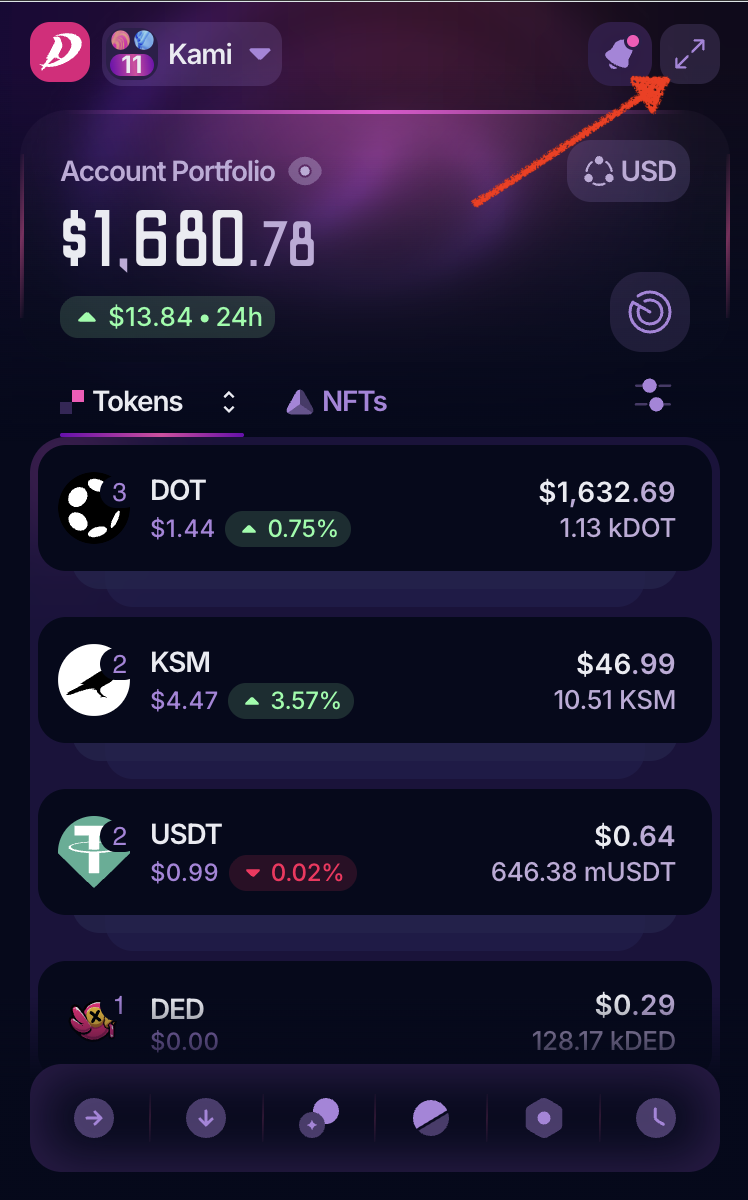
In Extension mode, click the top-right button in PolkaGate to switch to Fullscreen mode.
Go to full-screen mode
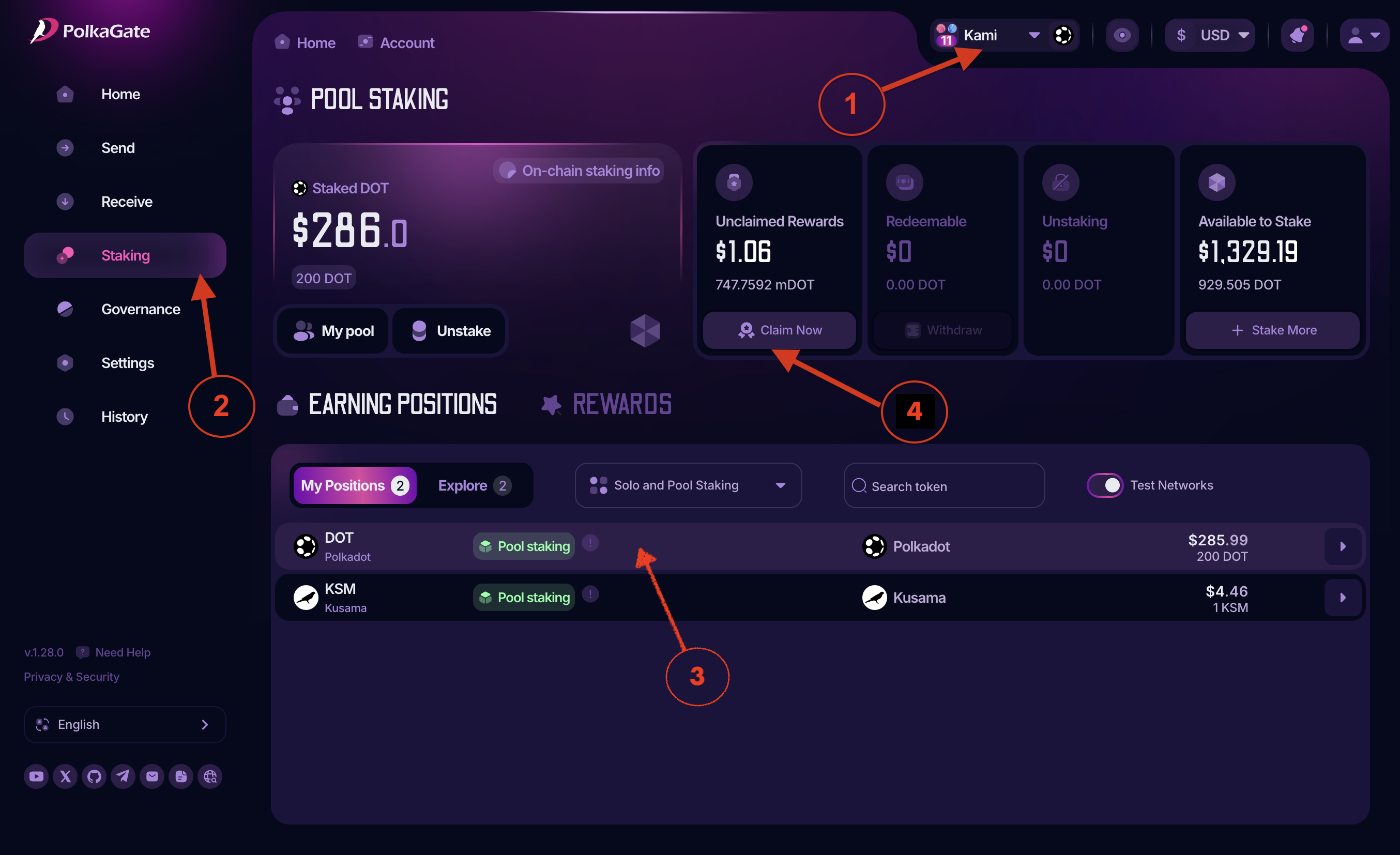
Follow these steps to claim your staking rewards:
1. Choose the account with pool staking.
2. Open the Staking menu from the left menu bar.
3. Select your staking position if you have more than one.
4. Click Claim Rewards and follow the on-screen instructions to submit the transaction.